Accessibility Features In Nanogames
Edit The Game Menu
Present the player with just one game, a selection of games, or all 30 games. It's your choice. Use the 'Game Menu Editor' to select the games available to the player and reorder the grid-display of games. The Game Menu editor is ideal when providing games for specific goals or providing a gently structured introduction to the games - introducing them to the player one by one.
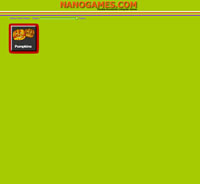 |
or... |
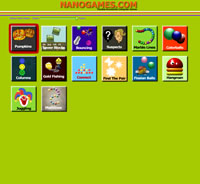 |
or... | 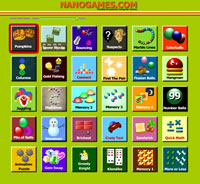 |
Edit the Games
Nanogames provides a consistent set of easy-to-use controls for all the games. There is no need to learn a different editing system for each game.
Change the speed of all 30 games simultaneously using the Global Game Speed Control or edit each game in detail, adjusting not only the speed, but several key aspects of each game (lives, time limits, number of objects/questions etc.) with the generous range of adjustment available.
- Game Speeds can be reduced by up to 90%
- Time limits can be extended by up to 1200%
- Add many more 'Lives'

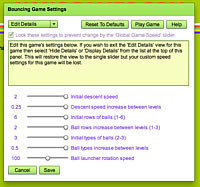
Adjust all 30 games simultaneously with the Global Game Speed Controller or adjust each game individually
Game Control Devices Supported
- Keyboard (including expanded and miniature keyboards)
- Mouse (including Headmouse, Touchscreen and other mouse alternatives)
- Joystick (using Joy2Mouse software)
- Speech Recognition (using 3rd party Speech Recognition software and mouse or keyboard commands)
Accessibility
- Adjust brightness, contrast and color tint of games
- Large objects for players with low vision or impaired coordination
- Optional key-release delay
- Support for Single Switch Scanning (keyboard, mouse or switch).